
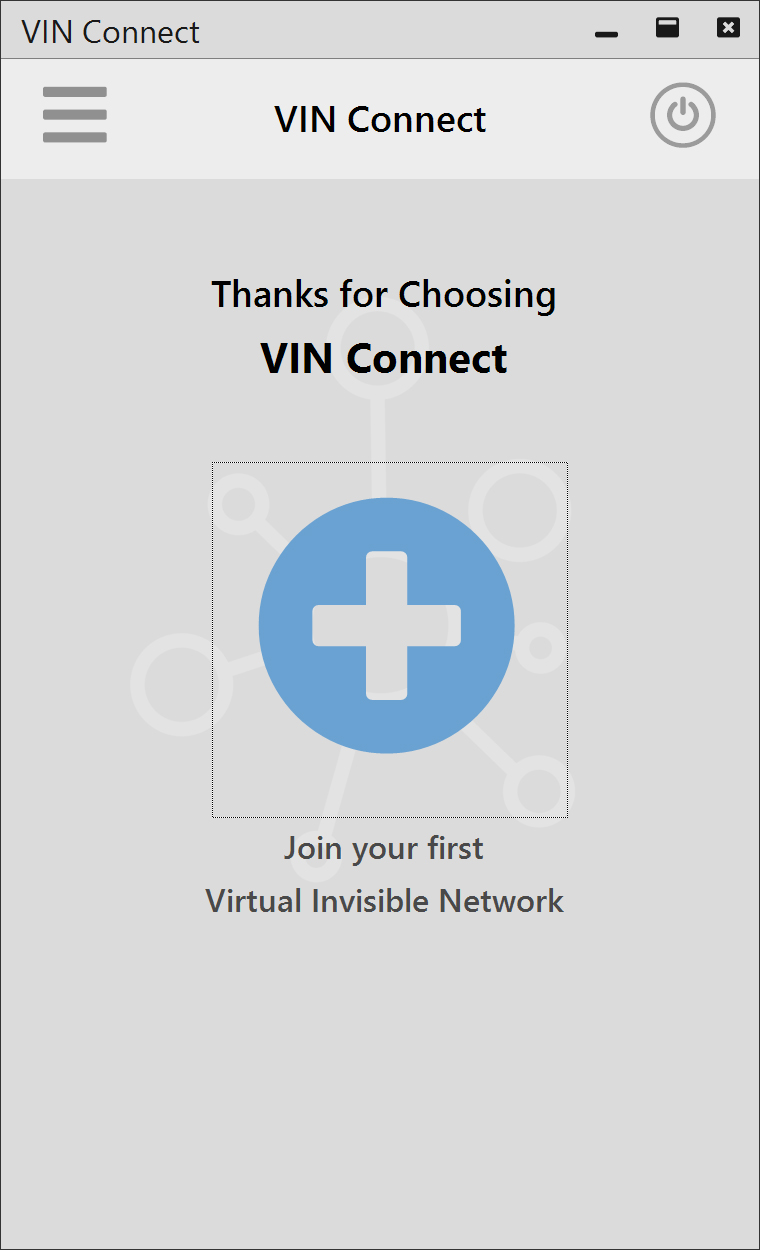
- Open VIN Connect.
- Click the large blue Join a New Network button.
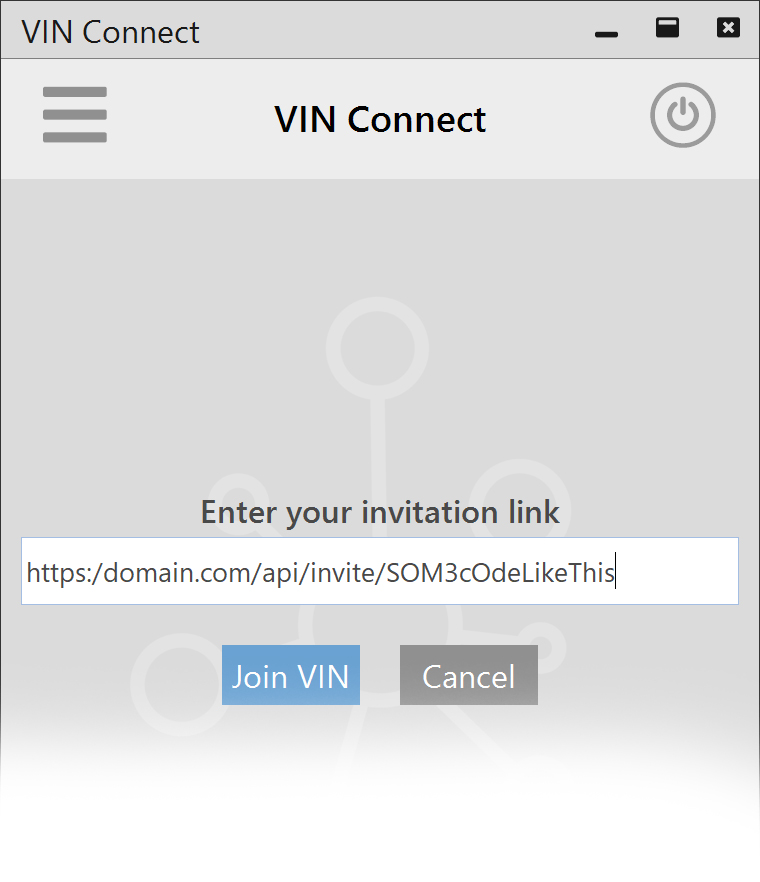
- Enter your team’s VIN Invitation URL that has be provided to you. Click Join VIN.
 You will automatically be added to the VIN.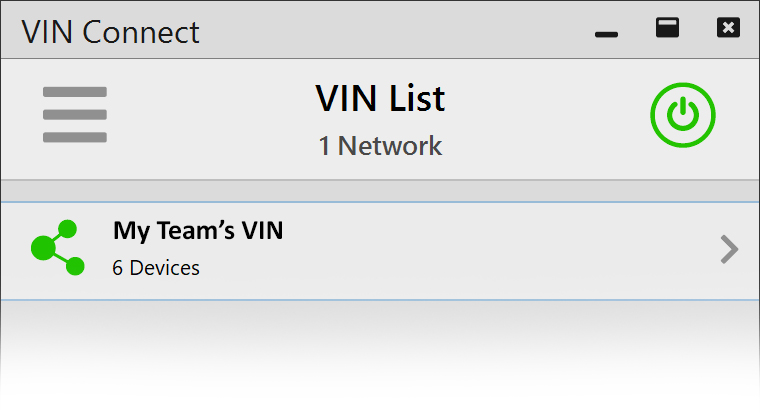
You are now connected with your team over the Netlinkz Virtual Invisible Network (VIN). You can now minimize or close VIN Connect.
NOTE: Depending on your team’s Netlinkz Services setup, your VIN connection may require authorization by an Administrator. If that’s the case, your VIN status will show on this screen as Pending until it is approved.